
The more alarms there are, the less each one is worth. Dozens of warnings flashing all the time hide the one that matters. Operators learn to silence alarms, and then the real alarm becomes one of the silenced ones. Alarm management is the work of treating alarms as an engineering subject before you reach that point.
This guide summarizes the approach of the standards and shows which parts are practical in a small plant. You can find the role of alarm logging in the SCADA decision in HMI vs SCADA, thresholds, hysteresis and measurement-fault alarms in the analog measurement chain guide, and sector-specific alarm design in the water and wastewater SCADA guide. We do not repeat them here.
Status of the sources
ISA-18.2, IEC 62682 and EEMUA 191 are paid publications; we have not seen their full text and give no clause numbers. The IEC details come from IEC’s publication page; the Milford Haven example and the alarm principles come from HSE’s alarm management page. The alarm rate numbers are not on that HSE page. We opened HSE’s CHIS6 information sheet PDF but could not read its text, so we take the CHIS6 numbers from a third-party copy of the sheet and say so. Confirm binding values against the current publication.
1. What is an alarm, and what is not?
Short definition: a notification that requires the operator to act in time, and therefore asks for their attention. Three consequences follow:
- If no action is required, it is not an alarm. “Pump running” is a status, not an alarm.
- If the operator cannot do anything about it (for example, a weekly maintenance task), it is not an alarm; it goes to the maintenance list or the event log.
- An alarm whose action is unknown is a design error.
HSE’s alarm management page takes the same line: every alarm should be useful, relevant and have a defined response, and the threshold should leave the operator enough time to intervene. The same page gives the Milford Haven refinery incident as an example, where staff faced a flood of alarms for five hours.
2. ISA-18.2 and IEC 62682 lifecycle
ISA-18.2 describes the alarm system not as something built once and left alone, but as a lifecycle. IEC 62682 covers the same field internationally. According to IEC’s publication page, the 2014 first edition was withdrawn on 8 December 2022 and replaced by the 2022 second edition. Its scope: all alarms presented to the operator through the control system (including basic process control, annunciators and safety systems).
Below are the ten stages listed for ISA-18.2 in a vendor article, with their counterpart in a small plant:
| Stage | What is done? | Counterpart in a small plant |
|---|---|---|
| Philosophy | Define what an alarm is; priority and acknowledgement rules are written | A 1-2 page alarm rules document |
| Identification | Potential alarms are found | I/O list, risk review |
| Rationalization | Each alarm is reviewed, classified, prioritized and documented | Alarm list + worksheet |
| Detailed design | Alarm, display and advanced alarm features are designed | PLC logic, screen, notification |
| Implementation | Commissioning, first test, training | Alarm test, operator training |
| Operation | Operator responds to alarms | Real use |
| Maintenance | Alarm components are repaired and periodically tested | Field device, contact, notification test |
| Monitoring and assessment | Alarm data is monitored, performance reported | Monthly alarm count summary |
| Management of change | Adding, changing and deleting alarms is controlled | Versioned alarm list |
| Audit | Processes are reviewed periodically | Yearly review |
The first two columns of the table are that article’s summary. The third column is our suggestion, not a requirement of the standard.
3. Basic concepts
- Priority: Ranking by the severity of the consequence if no action is taken and by the time available to act. A small number of classes is enough.
- Rationalization: For each alarm, the cause, consequence, operator action and priority are written; unnecessary ones are removed.
- Alarm flood: Alarms arriving faster than the operator can manage. We give no numeric limit; the limit depends on the load your own operator can handle.
- Standing alarm: An alarm that has been active for a long time and acknowledged but not resolved. It fills the list and hides new alarms.
- Chattering / repeating alarm: The same alarm setting and clearing again and again. Usually a missing hysteresis or delay.
- Suppression: Deliberately hiding an alarm in a controlled way. It can be by design (equipment stopped, so its alarm is not active) or manual (recorded, time-limited).
- Shelving: The operator removing an alarm from the list for a limited time. It must be recorded, time-limited and authorized.
- State-based alarming: The alarm threshold, or whether the alarm exists, depends on the operating state (in production, stopped, commissioning).
4. Alarm rate targets
HSE and EEMUA 191
HSE’s “Better alarm handling” (CHIS6) information sheet gives two targets. Because we could not read the text of HSE’s PDF, we take the numbers from two open sources that do not belong to HSE: a copy of the sheet uploaded to SlideShare, and the personal website of a former HSE inspector (both in Sources). Both give the same two targets, attributed to EEMUA 191:
- In normal operation, a long-term average of no more than one alarm every ten minutes.
- In the first ten minutes after a major process upset, no more than ten alarms. (The copy says “no more than ten”, the personal site says “fewer than ten”; the wording differs.)
The copy bases the targets on the 1999 edition of EEMUA 191 (page 37); the personal site cites the third edition (2013). EEMUA’s own website has a contents file for the fourth edition of 191 (November 2024); we could not check whether the figures are the same in that edition. The copy also suggests a priority split of roughly 5% high, 15% medium and 80% low (1999 edition, page 65); we take this from that copy only.
ISA-18.2 table (from a vendor article)
The same vendor article (a figure titled “Practical limits to human capabilities”) gives these approximate values:
| Period | “Very likely acceptable” | “Maximum manageable” |
|---|---|---|
| Daily | about 150 | about 300 |
| Hourly average | about 6 | about 12 |
| 10-minute average | about 1 | about 2 |
We could not verify these from the standard text and do not present them as requirements.
What does it mean in a small plant?
One alarm every ten minutes comes to about 144 alarms a day (our arithmetic). In a small plant the operator is often one person with other duties. These numbers are a yardstick, not a certificate. Measure your own number first: count the last 30 days of the alarm log day by day and list the ten most frequent alarms. It usually makes sense to do the first clean-up on those ten alarms (our suggestion).
5. Practical steps for a small plant
- Write the rules. Alarm definition, priority classes, acknowledgement and suppression rules. One or two pages are enough.
- Measure. Daily count from the existing alarm log, the 10 most frequent alarms, standing alarms.
- Clean up noise first. For the 10 most frequent alarms, fix hysteresis, delay and threshold. Look for the cause of measurement noise in the measurement chain.
- Remove alarms with no action. Move information to the event log and maintenance items to the maintenance list.
- Prioritize. 2-3 classes. Write when each class is to be answered.
- Rationalize. Review the remaining alarms with the worksheet below.
- Account for state. Suppress the related alarm while equipment is stopped or in maintenance; show the suppression on the screen.
- Control change. Keep the alarm list versioned; record threshold changes with a date and reason.
- Monitor monthly. Re-measure the count and review the top 10.
6. Alarm list columns
| Column | Content |
|---|---|
| Alarm no / tag | Unique ID, linked to the tag name |
| Alarm text | Short sentence the operator understands |
| Type | HH, H, L, LL, state, measurement fault, communication |
| Threshold and unit | Per project, in engineering units |
| Hysteresis | Larger than the measurement noise |
| On-delay | In seconds, with a reason |
| Priority | Class |
| Cause | Probable causes |
| Consequence | What happens if no action is taken |
| Operator action | First thing to do |
| Allowed response time | Time left before the consequence occurs |
| Suppression condition | In which state it is suppressed |
| Notification | Screen, audible, SMS/e-mail |
| Owner / review | Who, when |
| Version / date | Change record |
7. Rationalization worksheet
The same questions are asked for each alarm, in the same order. Example row (generic, for illustration; not from a real plant):
| Field | ORNEK_SEVIYE_01, high |
|---|---|
| Is the alarm needed? | Yes, there is an overflow risk |
| Cause | Outlet pump stopped or valve closed |
| Consequence | Overflow, product loss |
| Operator action | Check pump status, start the standby pump |
| Allowed time | Per project |
| Priority | Per project |
| Threshold / hysteresis / delay | Per project |
| Suppression | If the level measurement is faulty, show “measurement fault” instead of this alarm |
Questions: What will the operator do when this alarm comes? What happens if they do not? Does another alarm already warn about it earlier? Does the threshold leave enough time to respond? Are there other alarms from the same cause? If there are no answers, remove the alarm or turn it into information.
8. Common mistakes
- Putting an alarm on every condition; the “just in case” alarm.
- Basing the threshold on the current normal range instead of the point where an alarm is needed.
- Skipping hysteresis and delay.
- Giving all alarms the same priority, or making them all “high”.
- Producing a process alarm while the measurement is faulty (a fault plus a false low alarm).
- Silently accumulating standing alarms.
- Suppressing without records, so nobody knows the suppressed alarm was re-enabled.
- Not updating the alarm list after commissioning.
- Attaching an audible alert to every alarm.
- Never testing the alarms.
9. Checklist
- Is the alarm rules document written?
- Are the alarm count of the last 30 days and the 10 most frequent alarms known?
- Are the cause, consequence and operator action of every alarm written down?
- Are priority classes defined and the response expectation clear?
- Are hysteresis and delay set for every analog alarm?
- Does a measurement fault replace the process alarm?
- Are suppression and shelving authorized, time-limited and recorded?
- Have standing alarms been reviewed?
- Is the alarm list versioned and are changes recorded?
- Was every alarm triggered and tried at commissioning? (FAT checklist)
- Is the monthly alarm count monitored?
10. What the example project screens show, and what they do not
The images below are simulation screens of the biogas example project; they are not a real plant.
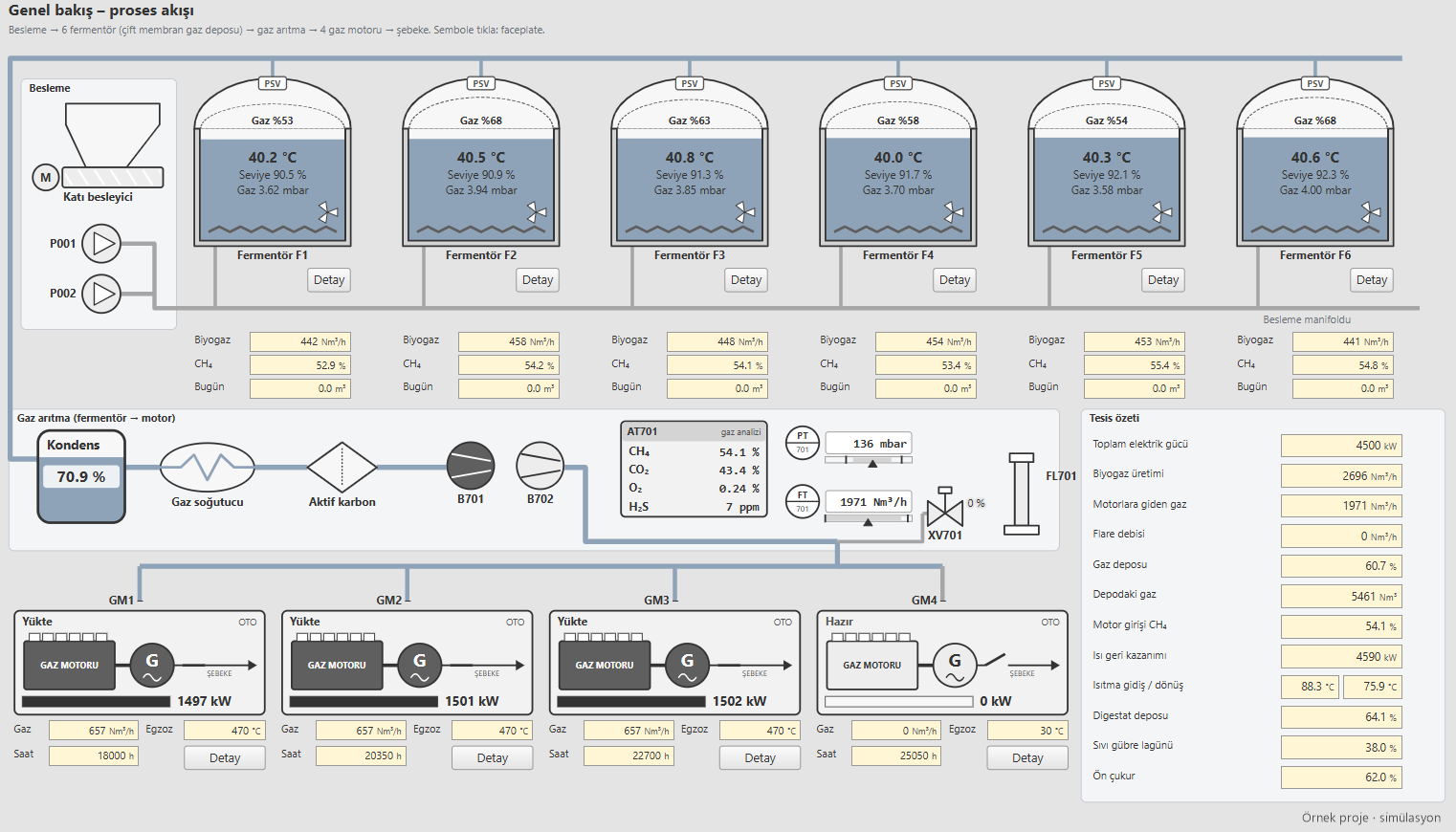
Example project, simulation: the overview screen shows six digesters, the gas treatment line, four gas engines and a “Plant summary” panel on the right. This image has no alarm banner, alarm counter or alarm list.
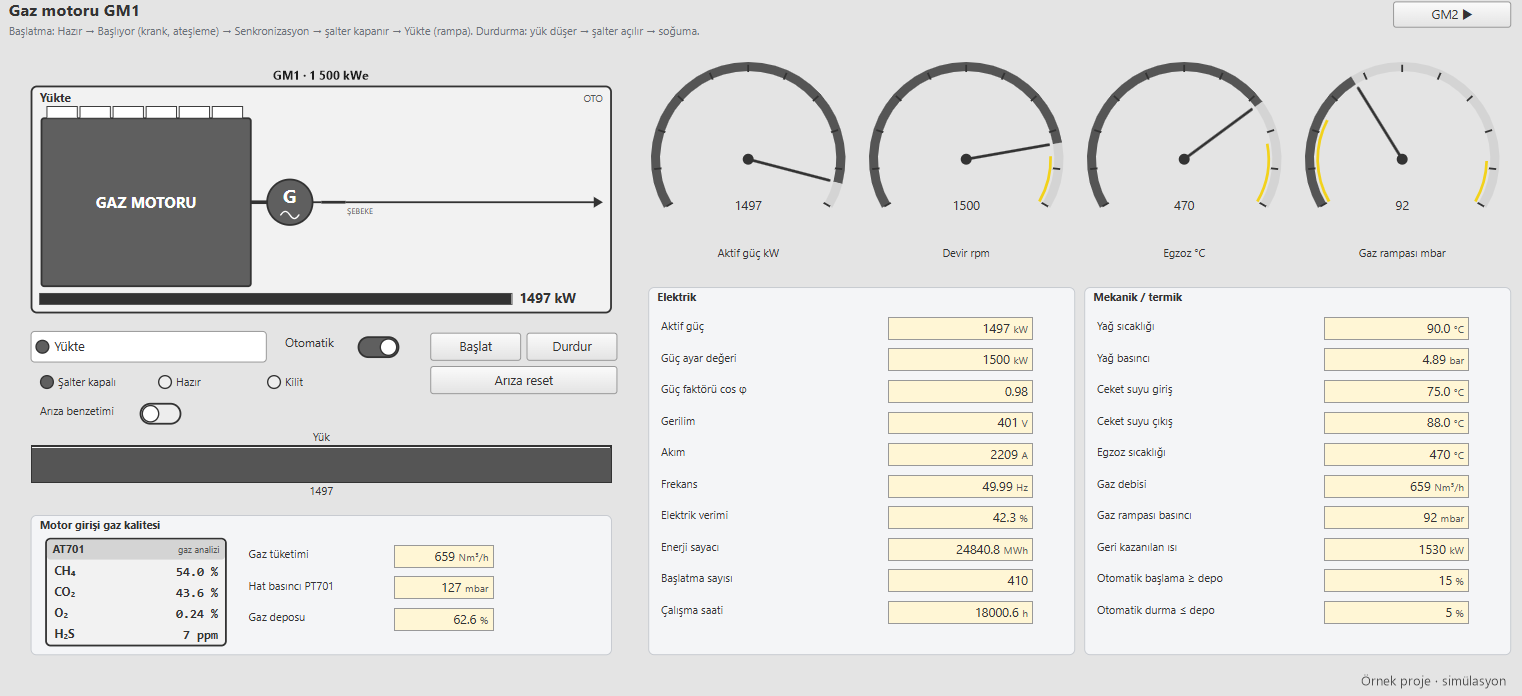
Example project, simulation: the gas engine screen shows a diagram, four gauges, Start/Stop/Fault reset buttons, status indicators and value tables. This image has no alarm display either.
These two images do not show alarm management; they only show what a process screen looks like. So we do not explain alarm design through this example. EEMUA 191 and HSE alarm rates are only a target in the example; they were not measured on the example screens and not implemented. This example screen does not implement the whole standard.
To build your alarm list from scratch or to reduce the alarm load of an existing system, take a look at our SCADA installation page.
Sources
- HSE, Why is alarm management an issue?
- HSE, Better alarm handling (CHIS6), PDF (opened, text could not be read; numbers not taken from here)
- Third-party copy of CHIS6 on SlideShare (not HSE’s; source of one per ten minutes, ten in the first ten minutes, and 5%/15%/80%)
- Human Factors 101, Alarm management (personal website, not HSE’s; the same two alarm rates, citing EEMUA 191 third edition)
- EEMUA 191 fourth edition (November 2024) contents file (only for the edition’s existence; text could not be read)
- IEC 62682:2014, withdrawn (IEC webstore)
- IEC 62682:2022 (IEC webstore)
- Yokogawa, alarm management per ANSI/ISA-18.2 (vendor article; source of the ten stages and the ISA-18.2 table)
- HMI vs SCADA
- Analog measurement chain
- SCADA for a small water and wastewater plant
- FAT checklist